Treat the instruments as tangible objects.
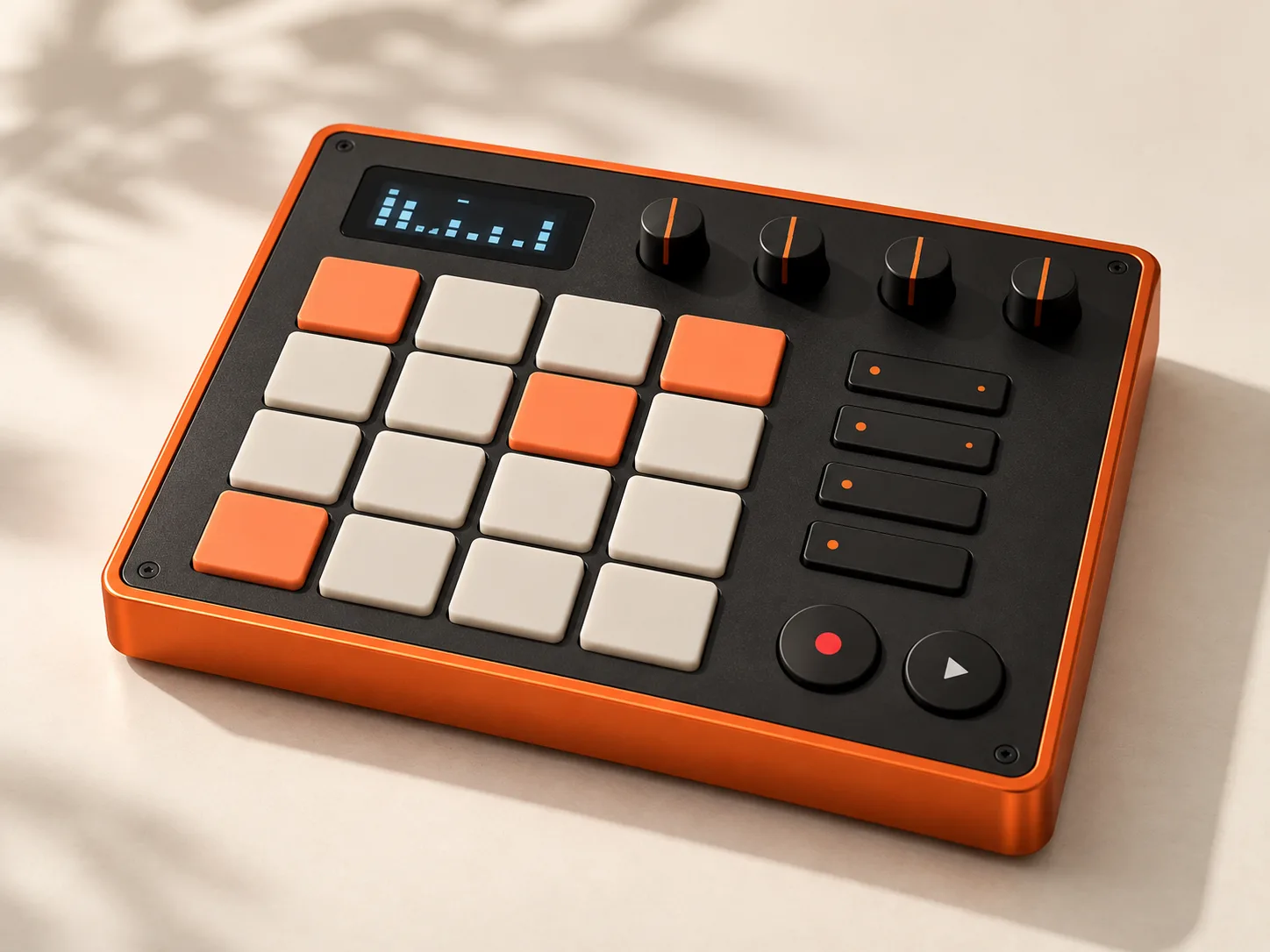
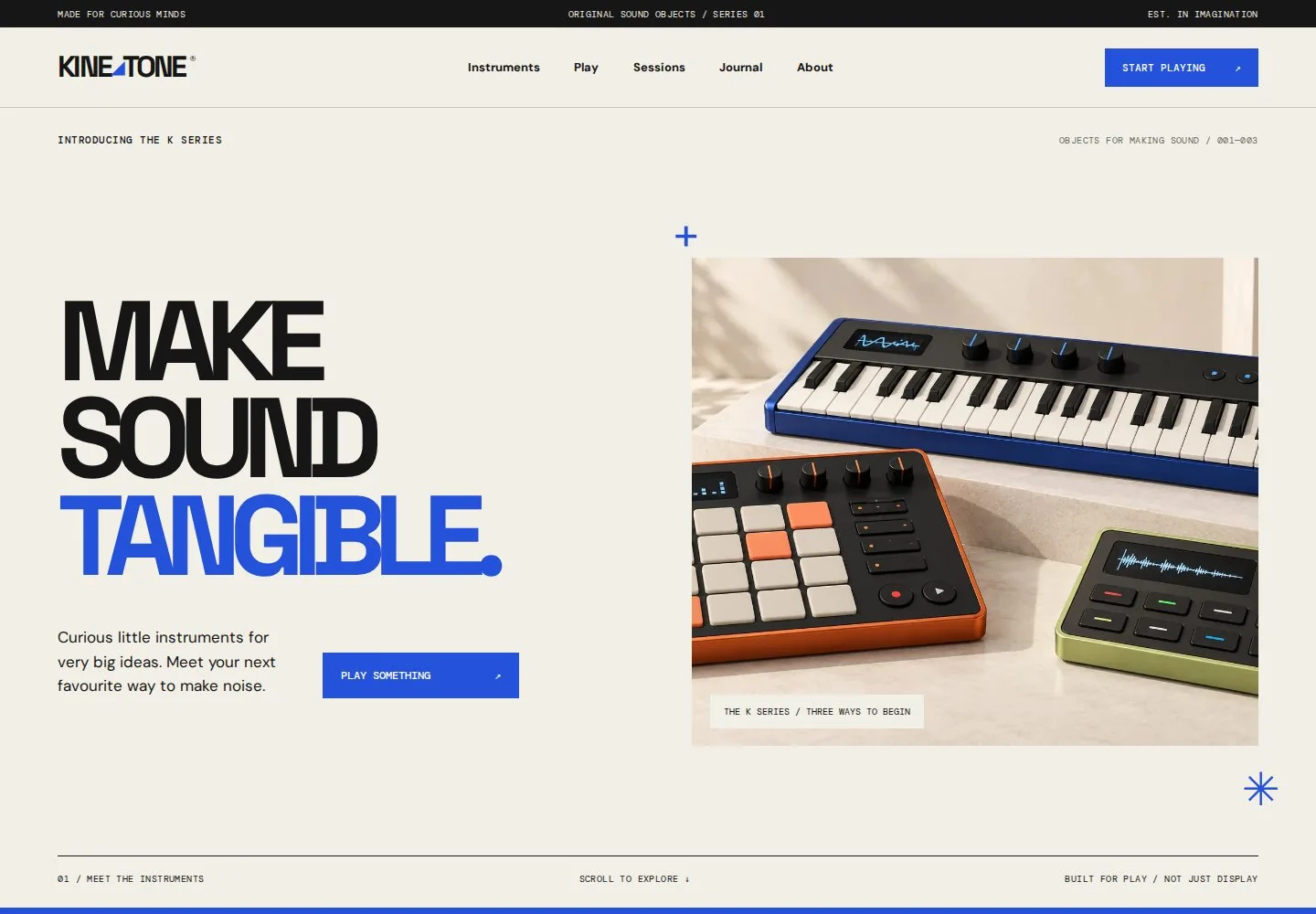
Product photographs, control details and connection views help PULSE, FORM and LOOP feel like a related instrument family. Clear specifications keep the object studies grounded.
Music / Product Design · 2026
KINETONE
Fictional electronic instruments, tangible interfaces and a real browser-based sound playground built into a complete product world.
Inside the project
A source-reviewed overview of the website, its content and the systems behind it.
Paper#F2EFE6
Signal blue#2452DB
Orange#FF7048
Green#C5D56E
12 published HTML pages and 28 distinct referenced photographs. Sound is generated or processed in the browser; it is not a collection of hosted videos.
Reviewed 23 October 2026. Duplicate source copies, error pages and responsive image variants are excluded. Counts describe the original website, not this case study.
View the reviewed source ↗The starting point
I imagined three electronic instruments with distinct personalities, then built a website where the visitor could move from looking at an object to making something with it. The sound tools give the product world a working centre.
Design decisions
Three decisions that connect the visual language to the experience.
Product photographs, control details and connection views help PULSE, FORM and LOOP feel like a related instrument family. Clear specifications keep the object studies grounded.
Blue, orange and green create recognisable signals across editorial pages and instrument interfaces. The type hierarchy distinguishes product character from operating instructions.
The Play section uses Web Audio for a sequencer, a polyphonic synth and a local sampler. Audio begins with an explicit user action, rather than starting as background decoration.
From design to behaviour
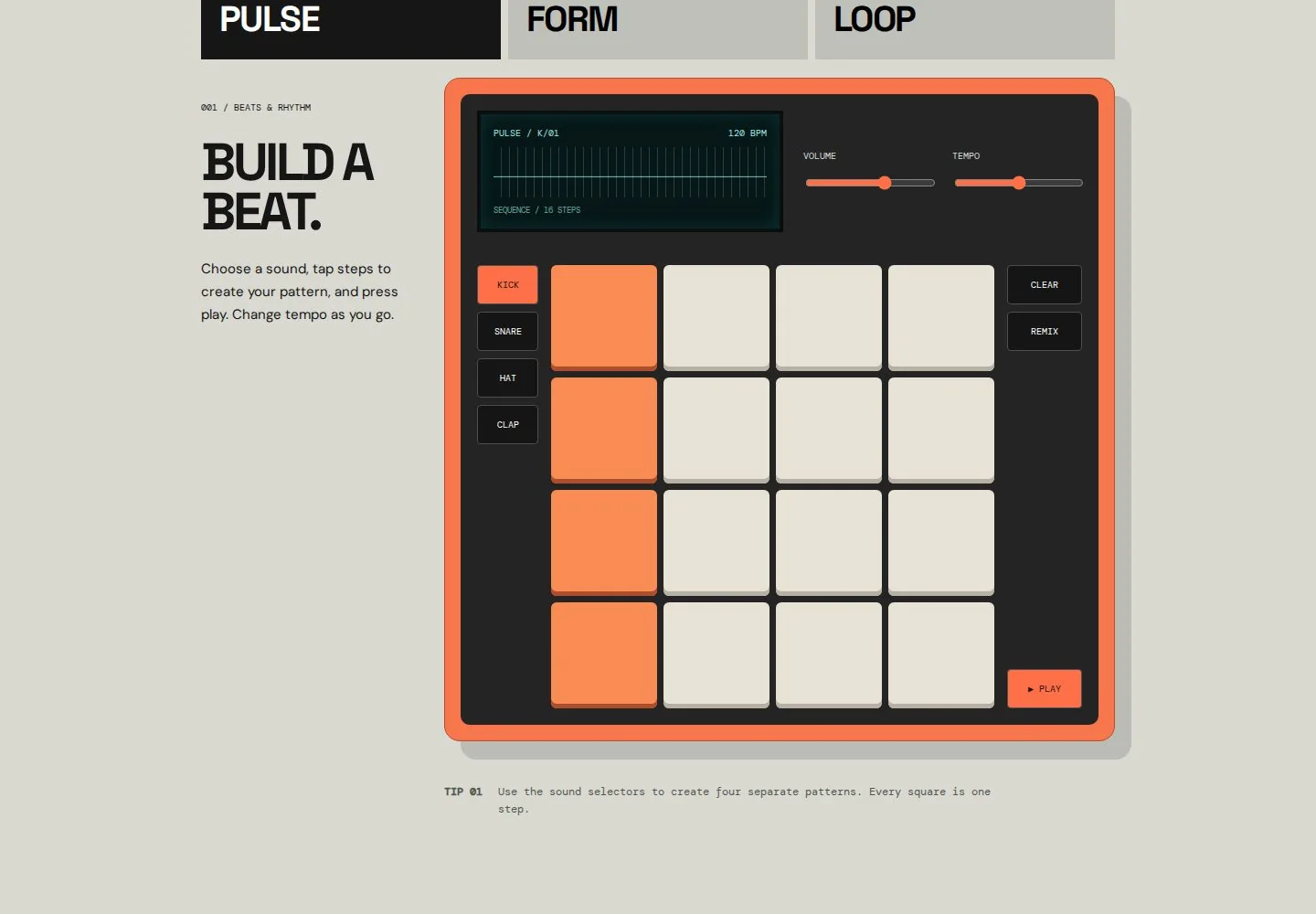
Edit this silent 16-step visual study. It explains the pattern structure; the complete sound instruments are available in the original Play section.
6 active steps
Open the complete sound playground ↗Four tracks form an editable rhythmic pattern. Tempo and playback controls turn the product story into an instrument you can use.
Explore this feature ↗A 25-key synthesizer and a sampler offer different ways to explore sound. Local audio remains in browser memory.
Explore this feature ↗Three authored browser performances extend the same sound system into a small listening collection.
Explore this feature ↗One identity. Different compositions.
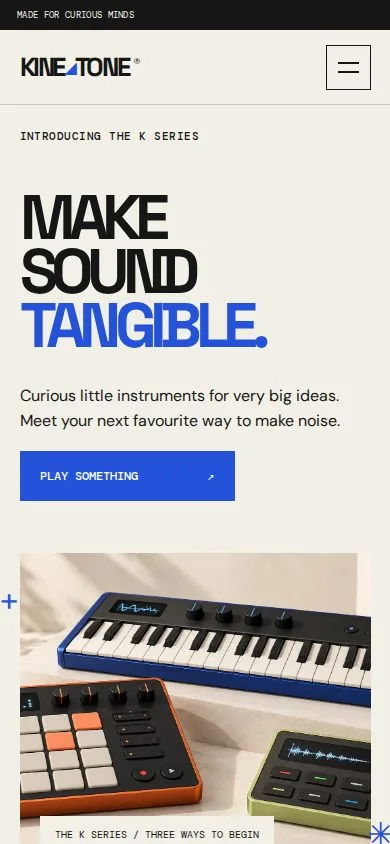
Instrument controls remain deliberate touch targets on a phone. Product photography, specifications and editorial stories follow a simpler vertical sequence, while the sound tools keep explicit playback controls.
What I explored
The product world becomes more convincing when the interaction does real work. Here, the browser is part of the instrument rather than just a display case.